 Musiva
Describe it
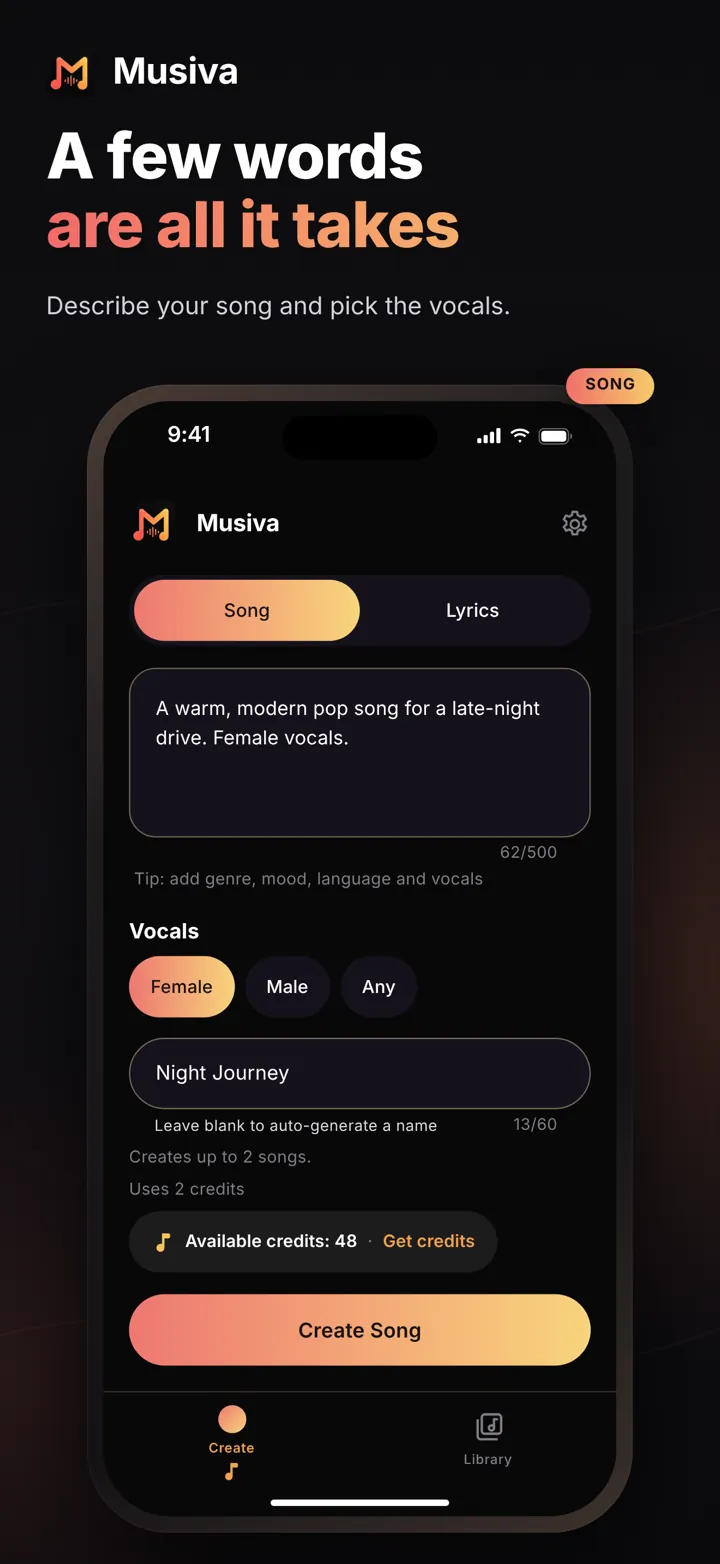
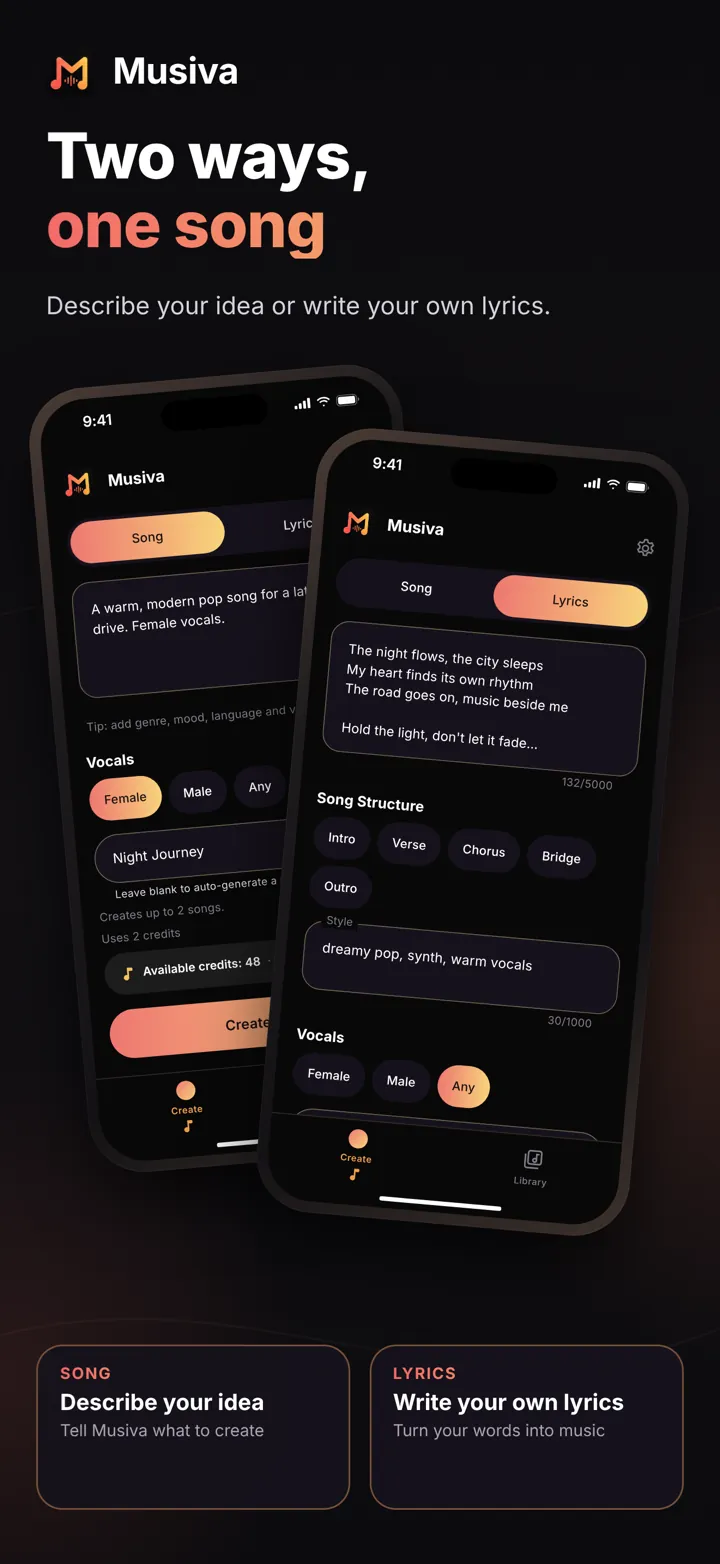
Describe the song you want, and Musiva writes the lyrics and creates the music. Choose female, male or any vocals; the vocal choice is a preference, not a guarantee.
AI Music Generator
Write a few words — or bring your own lyrics — and Musiva turns them into a studio-quality song, ready to play and share.
Coming soon to the App Store and Google Play.
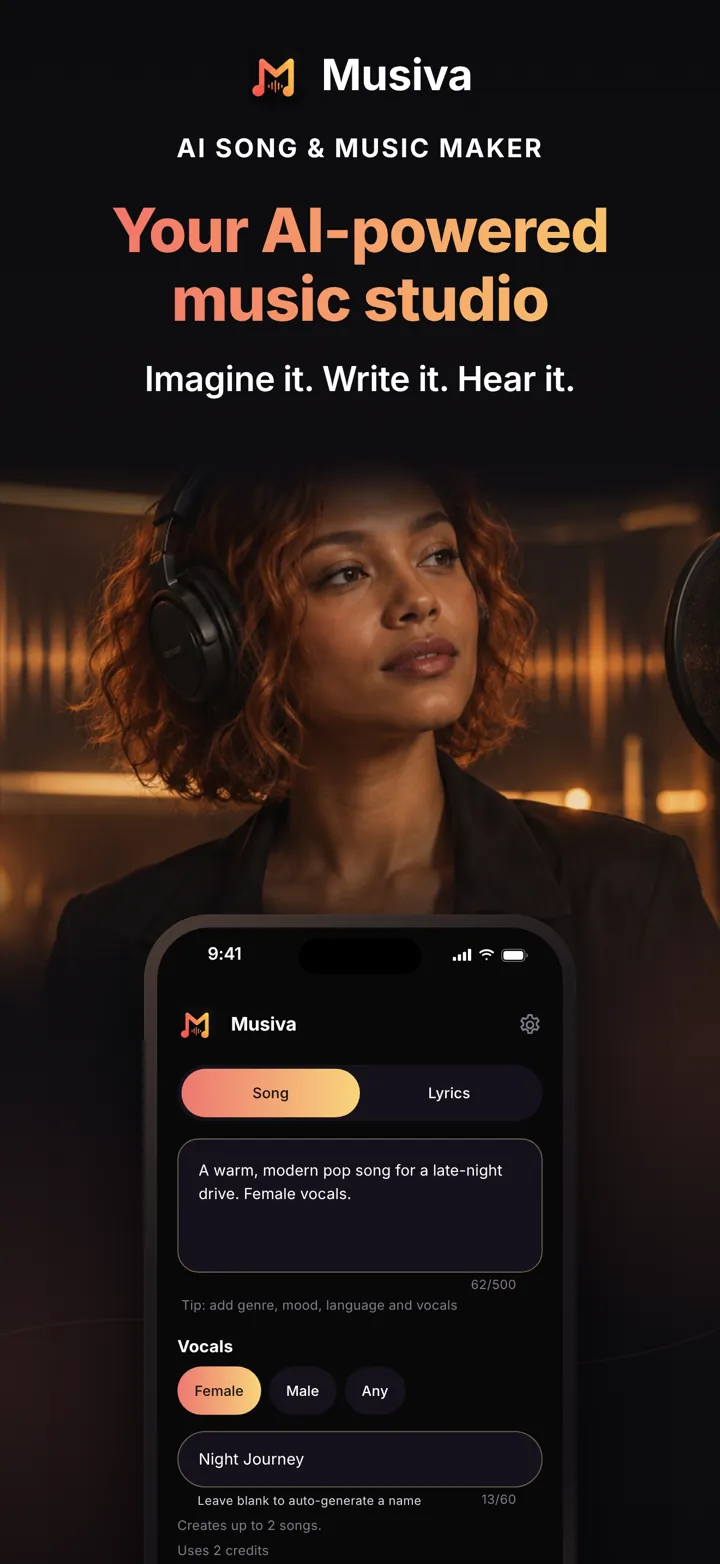
Musiva keeps it simple: an idea goes in, music comes out.
Describe the song you want, and Musiva writes the lyrics and creates the music. Choose female, male or any vocals; the vocal choice is a preference, not a guarantee.
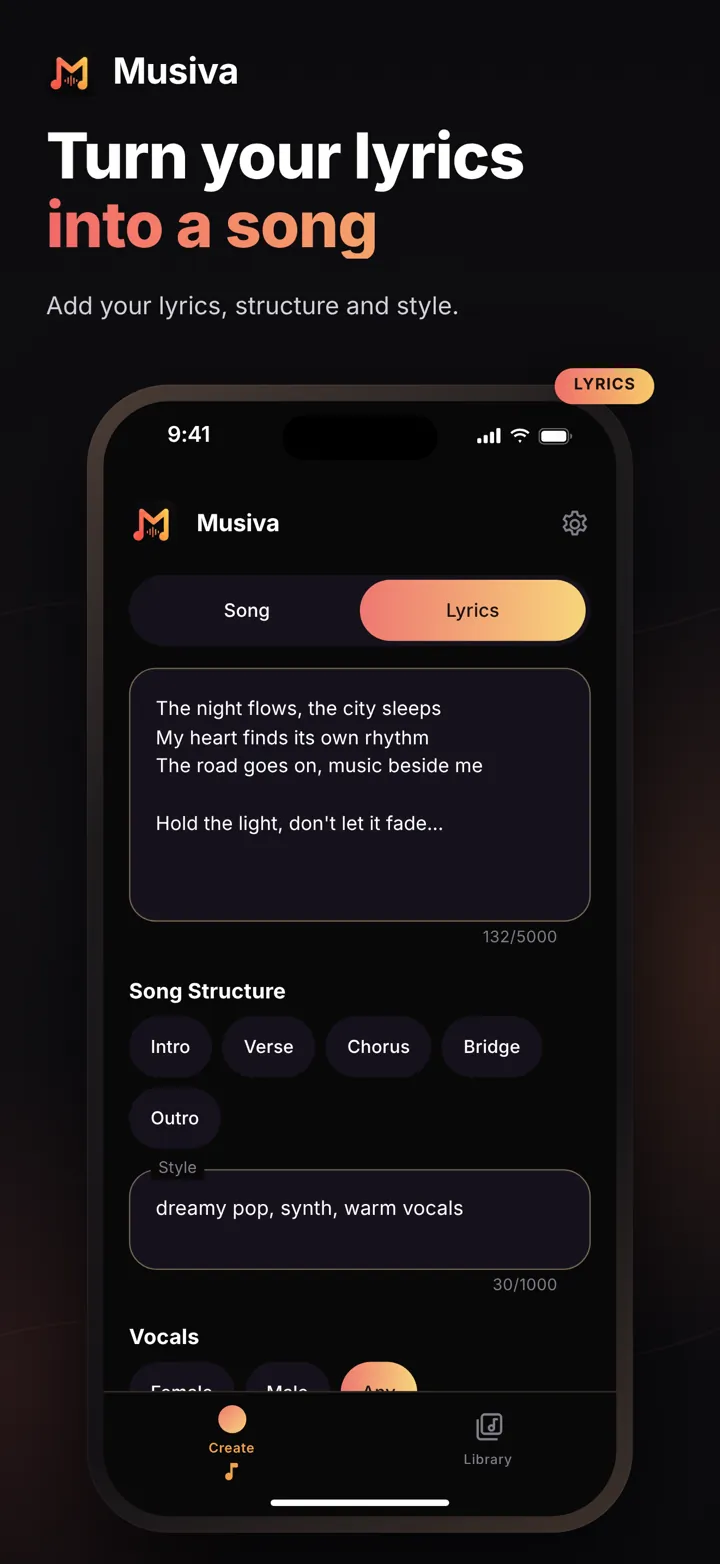
Paste your lyrics, add a style and mark the parts with five song structure tags: Intro, Verse, Chorus, Bridge and Outro. Songs made with your lyrics show them as you listen.
Before each creation, the app shows how many songs it will make and how many credits they need.
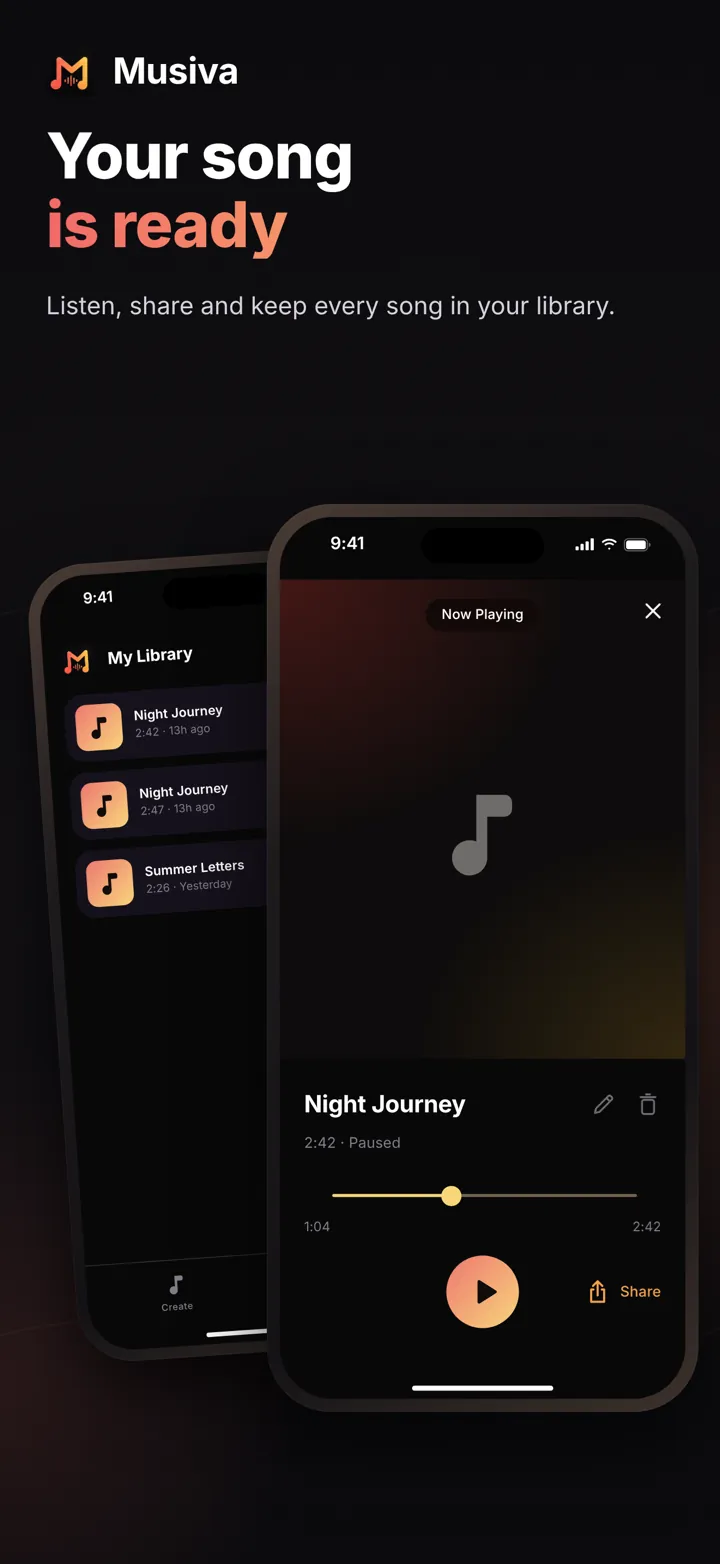
Give your song a name or leave it blank. Listen to, rename and delete your songs in your library.
Keep listening in the background and control playback from your lock screen.
Send the audio file to friends through any app on your phone.
No sign-up, no setup. Open the app and start creating.
No email, no password, no ad tracking. Your songs are stored privately and only you can play them. Delete your data anytime from Settings.
The app is available in ten languages:
No. Musiva starts working the moment you open it — no email, password or social login. Each install gets a private, anonymous account and a Musiva ID you can share with support.
Your first creation is free. To keep creating, subscribe to Musiva Premium: 20 credits each week with the weekly plan, 80 credits each month with the monthly plan, or 80 credits each month with the yearly plan. Subscribers can also buy packs of 120, 300, 500 or 1,000 credits. Each delivered song uses 1 credit. The App Store or Google Play shows the price in your currency before you buy.
Yes. Choose lyrics mode, paste your words and describe the style you want. Only use lyrics you wrote or have the right to use.
Because there's no login, your library is tied to this install. If you delete the app or reset your phone, you may lose access to your songs. Share the ones you want to keep.
Open Settings → Delete My Data. Musiva removes your songs, your requests and your account. Learn more.
Musiva is coming soon to iPhone and Android. Have a question in the meantime? We'd love to hear from you.